LFD Ignore Files
Manage LFD ignore lists for IPs, processes, files, and more.
Interactive Demo
Try it on the real screens: click the highlighted spot to do each step, or press Watch it.
Overview
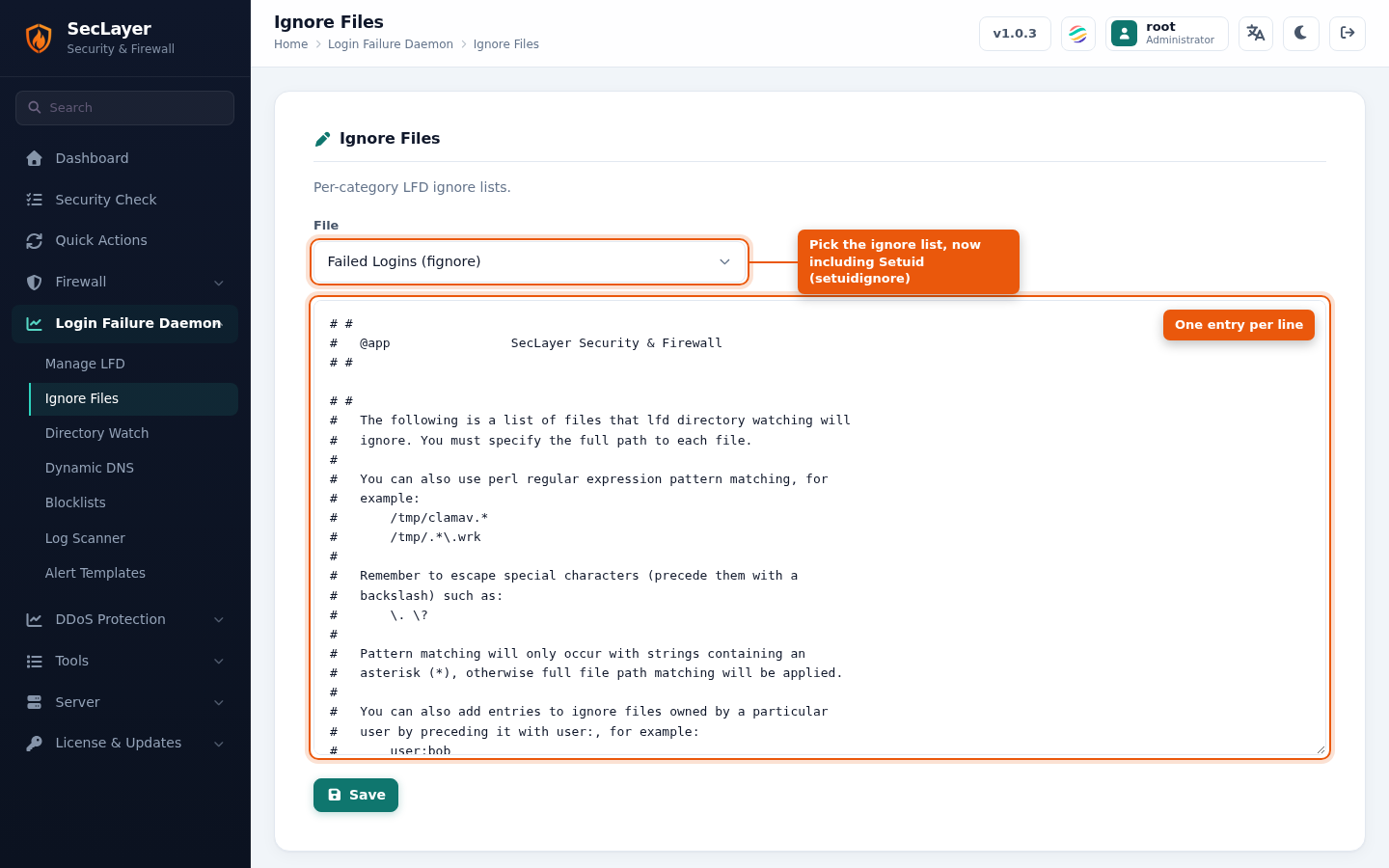
Provides access to the nine LFD ignore list files in /etc/seclayer/ignore/. Pick a file from the File dropdown to open it in a raw text editor. The global IP ignore list is edited on Ignore IPs.
Available Ignore Files
- seclayer.pignore — Process ignore list
- seclayer.fignore — File/directory ignore list
- seclayer.signore — IP/CIDR ignore list
- seclayer.rignore — Reverse DNS ignore list
- seclayer.suignore — Superuser check ignore list
- seclayer.mignore — Relay ignore list
- seclayer.logignore — Log scanner ignore list
- seclayer.uidignore — User ID tracking ignore list
- seclayer.setuidignore — Files skipped by Setuid Integrity
How to Use
- Navigate to Login Failure Daemon > Ignore Files.
- Select the file to edit from the File dropdown.
- Add entries (one per line) in the text editor.
- Click Save.