Updates
Check for and install SecLayer software updates.
Interactive Demo
Try it on the real screens: click the highlighted spot to do each step, or press Watch it.
Check for Updates
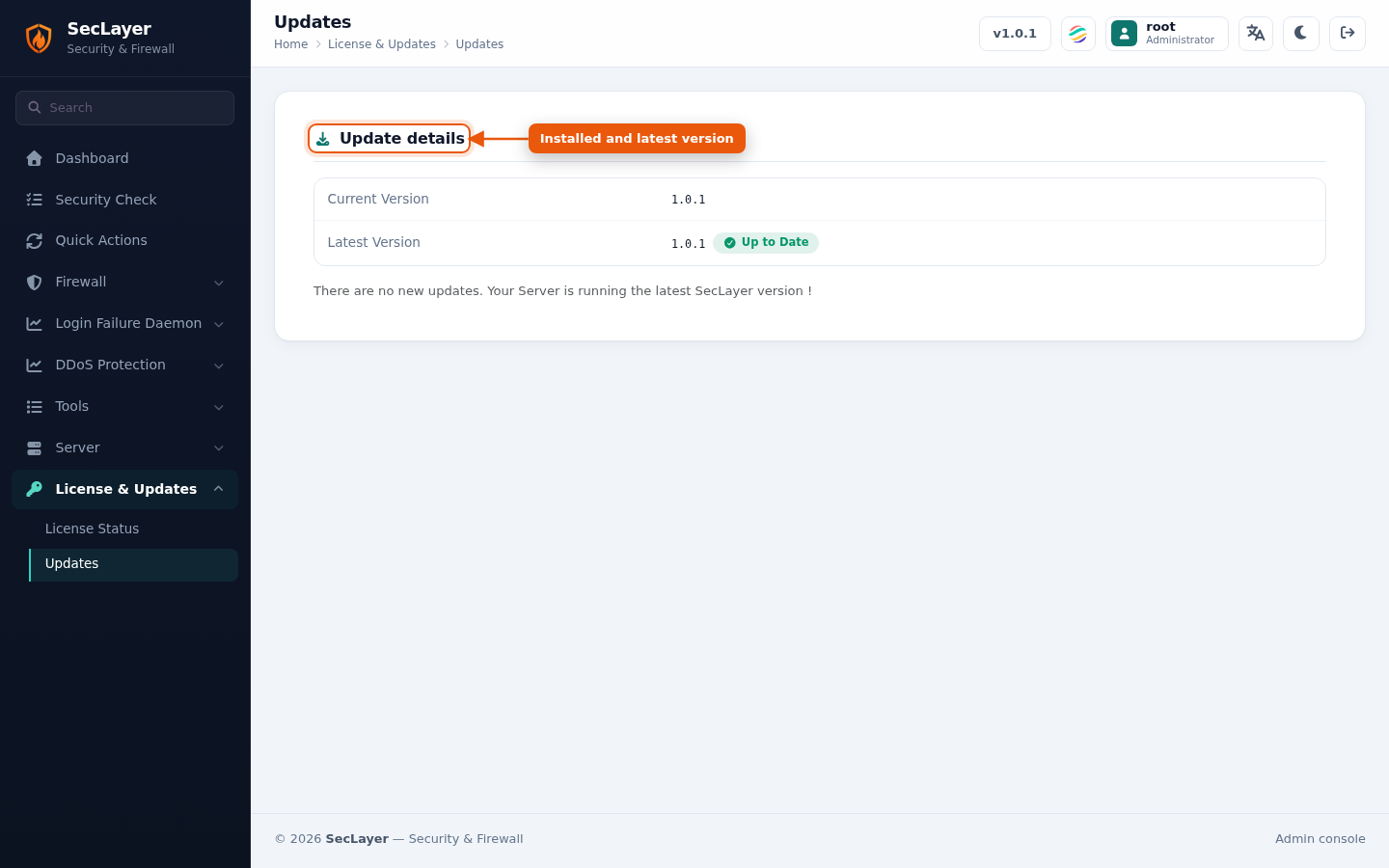
On page load, the system queries the update server and compares against your installed version. Current and latest version numbers are displayed.
Install an Update
- Navigate to the Updates page.
- If a newer version is available, the status shows Update Available, followed by the release notes for that version; otherwise it shows Up to Date.
- Click Update SecLayer to start the update process.
- The update runs as a background task. Logs are displayed for each step.