RBL Check
Check if an IP address is listed on DNS-based blackhole lists.
Interactive Demo
Try it on the real screens: click the highlighted spot to do each step, or press Watch it.
Overview
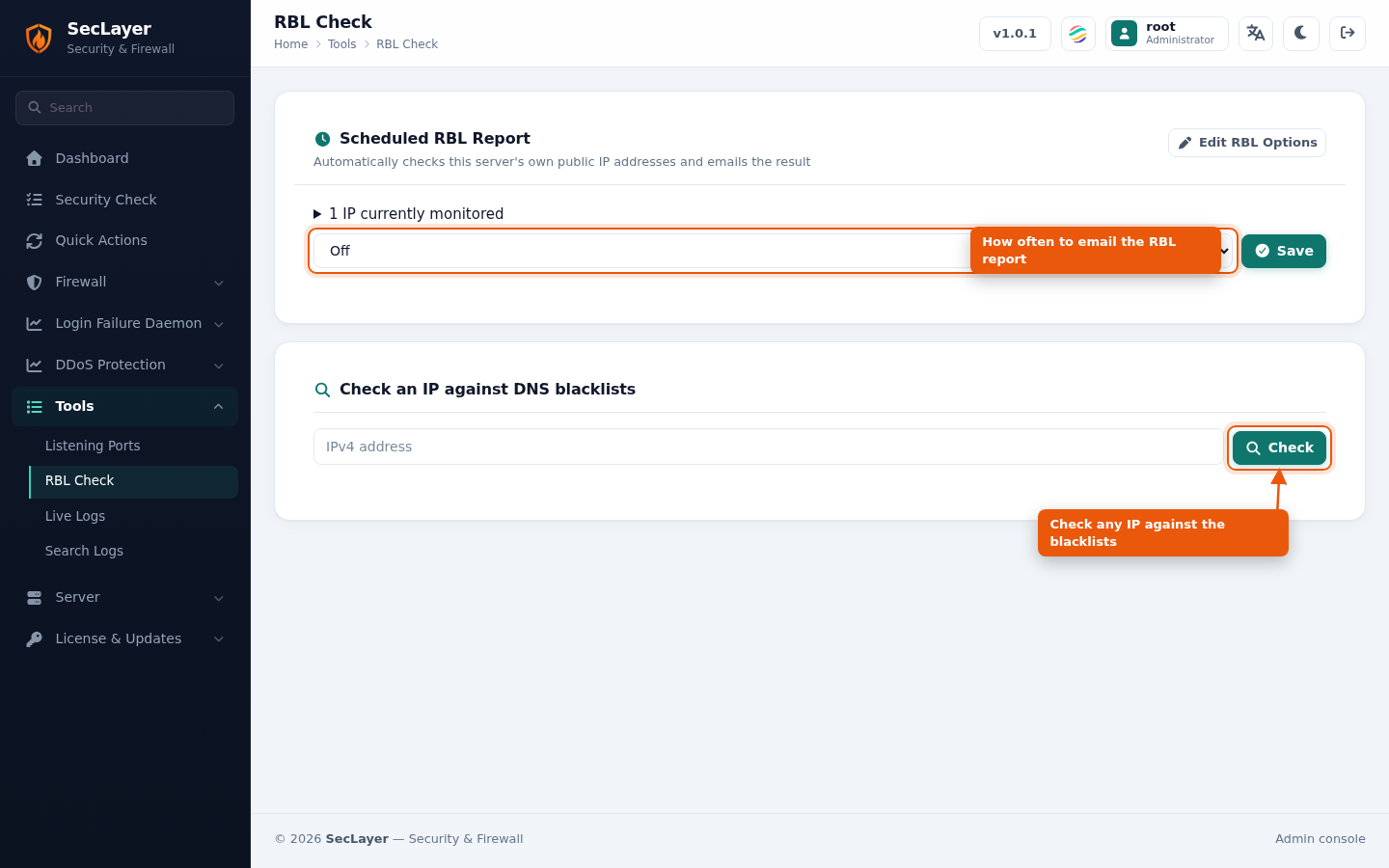
Enter an IP address to check against Realtime Blackhole Lists (DNSBL). The backend runs seclayer.php --rblcheck IP and displays results.
How to Use
- Navigate to Tools > RBL Check.
- Enter the IPv4 address to check.
- Click Check.
- Review the results: each zone shows Listed or Clean.
Scheduled RBL Report
SecLayer can check this server's own public IP addresses on a schedule and email the result. Choose a schedule (or Off) and click Save. Expand the monitored-IP summary to see which IPs are checked, and click Edit RBL Options to enable or disable individual IPs and RBLs.
CLI Equivalent
# Check this server's own IPs and print the report:
seclayer --rbl
# Run the report and email it:
seclayer --rbl admin@example.com
# Check one IPv4 address:
seclayer --rbl 203.0.113.42