Listening Ports
View all currently listening TCP ports on the server.
Interactive Demo
Try it on the real screens: click the highlighted spot to do each step, or press Watch it.
Overview
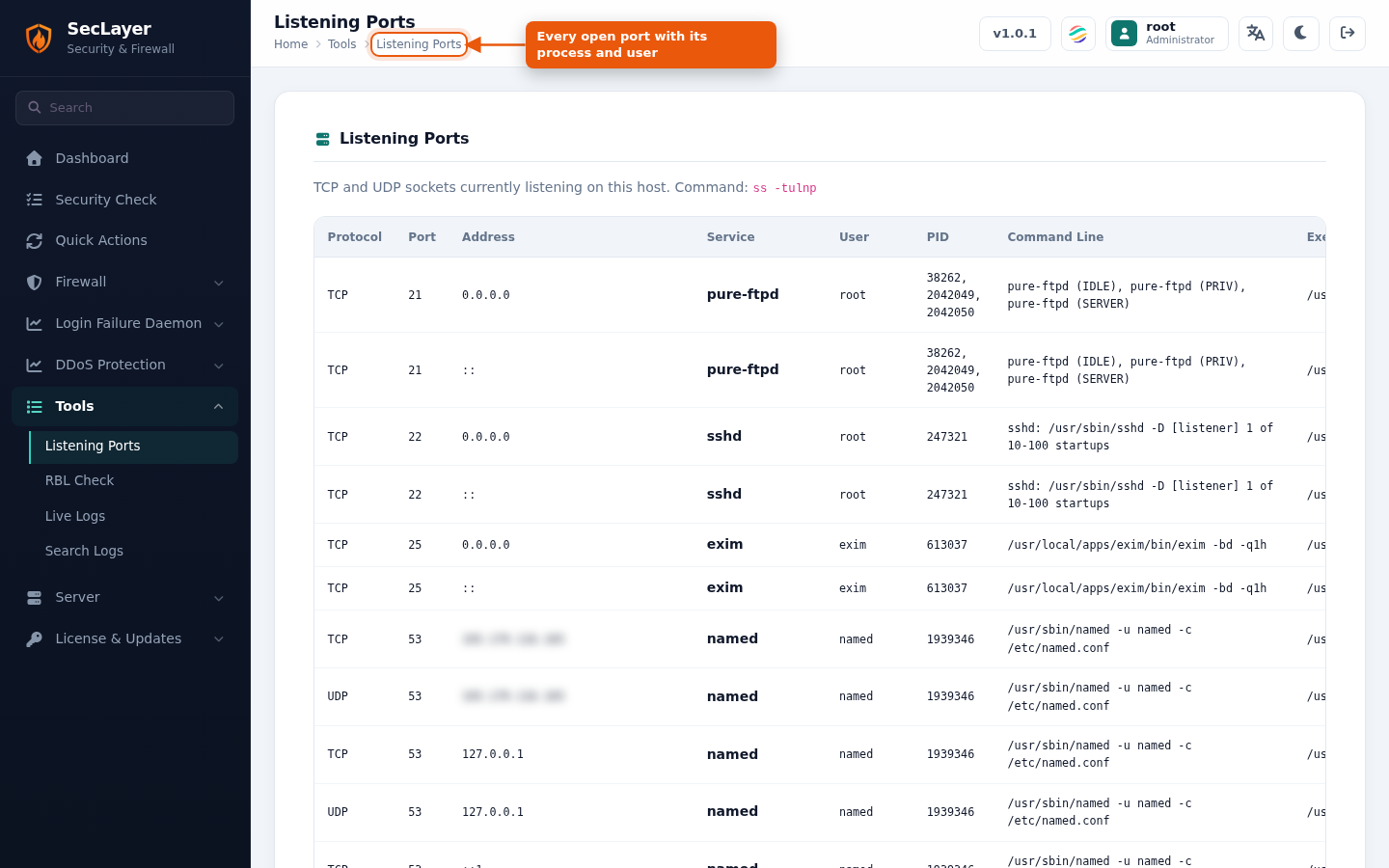
Read-only page that runs ss -tlnp and shows the results as a table: port, address, protocol, service, PID, user, executable, command line and Recv-Q/Send-Q.
How to Use
- Navigate to Tools > Listening Ports.
- Review the open ports and associated processes.