License Status
View your SecLayer license status, registered server IP, expiration, and key management.
Interactive Demo
Try it on the real screens: click the highlighted spot to do each step, or press Watch it.
Overview
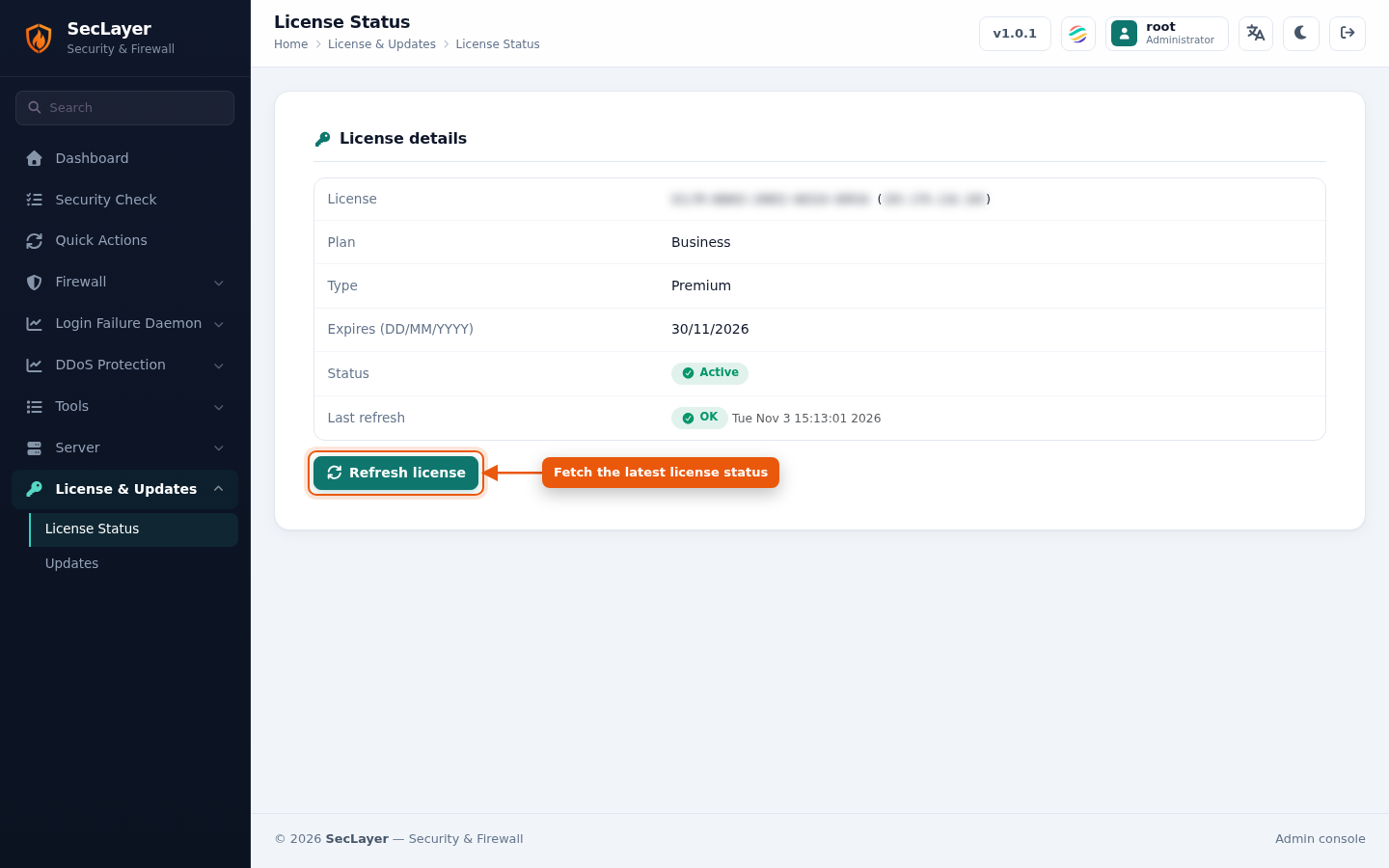
The License Status page displays your active SecLayer license details, including the license key and IP, plan, type, expiration date, status and last refresh result. SecLayer licenses are tied to server IP addresses.
License Status Information
- License — License key and the registered server IP.
- Plan — Licensed plan (e.g. Business).
- Type — License type (e.g. Premium).
- Expires (DD/MM/YYYY) — Expiration date.
- Status — Active or Expired.
- Last refresh — Result (OK or Failed) and time of the last license check.
How to Use
- Navigate to License & Updates > License Status.
- Click Refresh license to fetch updated licensing status from the central server.