Manage LFD
Start, stop, restart, and monitor the Login Failure Daemon service.
Interactive Demo
Try it on the real screens: click the highlighted spot to do each step, or press Watch it.
Overview
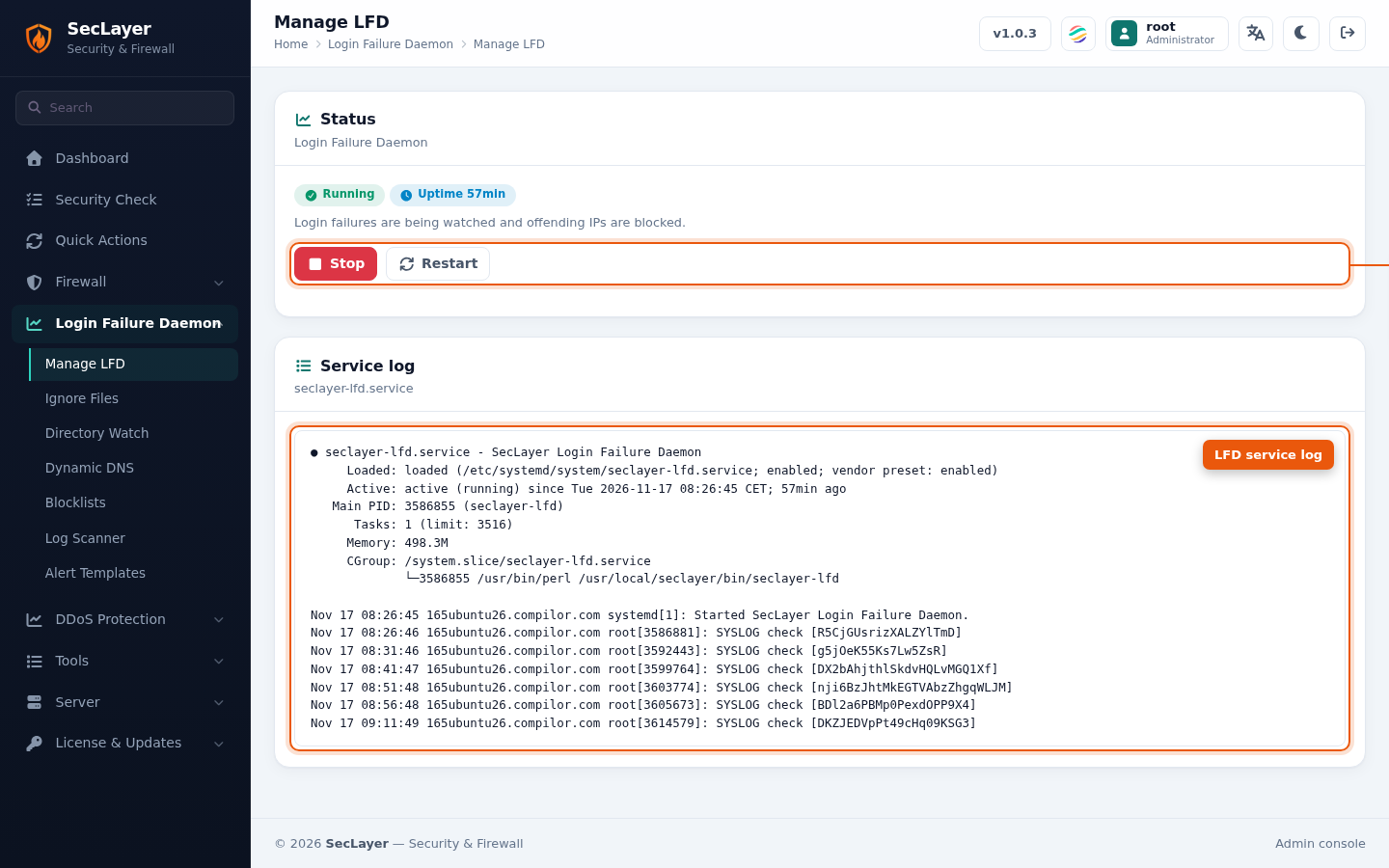
The Status card shows whether LFD is running (green, with its uptime) or stopped (red, with how long it has been stopped), and what that means for protection. The buttons follow the state: Stop and Restart while running, Start while stopped.
The Service log card below shows the seclayer-lfd.service status and its latest log lines, so you can see why LFD stopped or failed to start.
How to Use
- Navigate to Login Failure Daemon > Manage LFD in the sidebar.
- View the current service status and the service log.
- Click Start, Stop, or Restart as needed.
- Confirm the action when prompted.