Dynamic DNS
Map dynamic DNS hostnames to IP addresses for allow/ignore purposes.
Interactive Demo
Try it on the real screens: click the highlighted spot to do each step, or press Watch it.
Overview
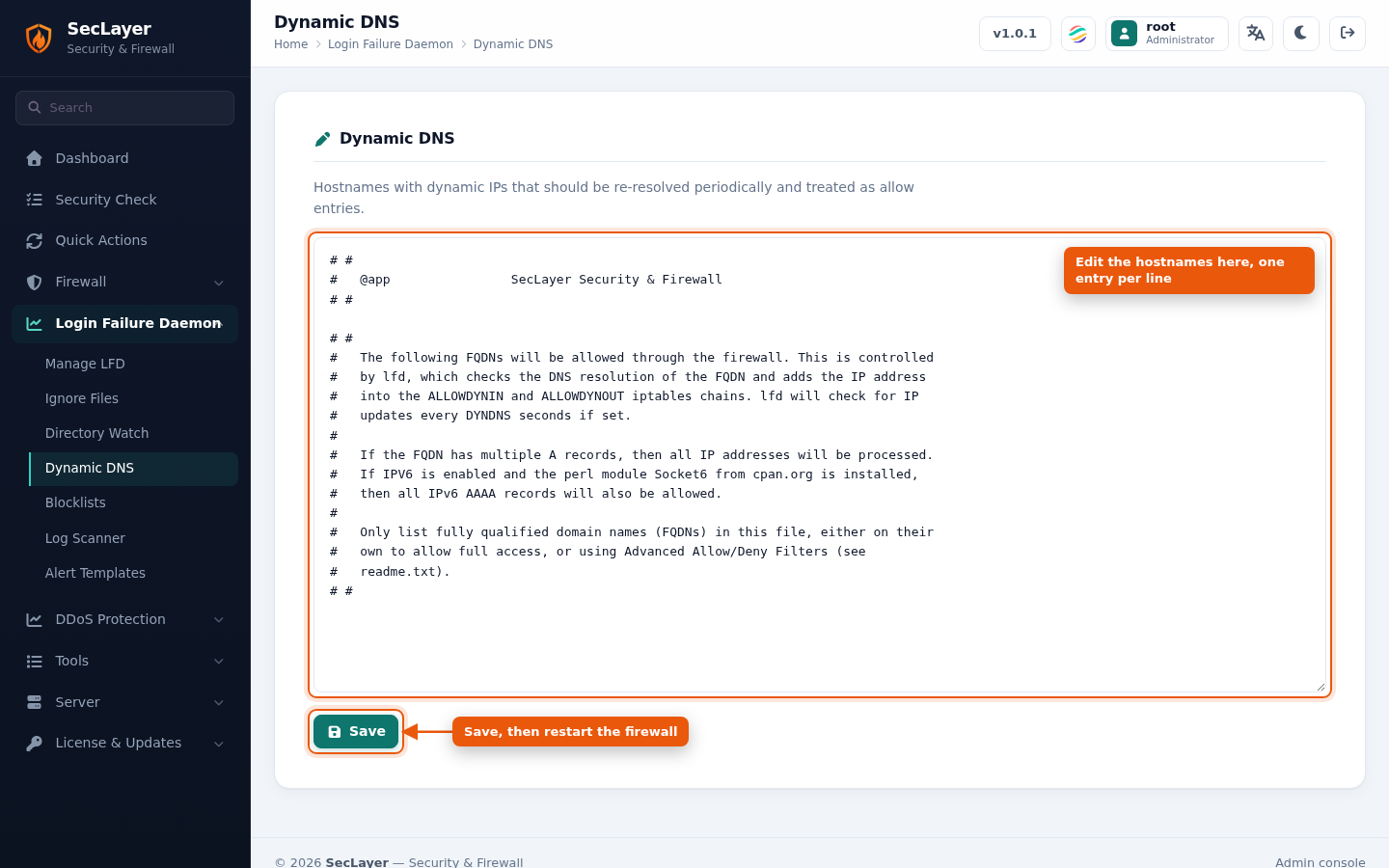
Raw text editor for the Dynamic DNS config file. Maps dynamic DNS hostnames to IP addresses. LFD resolves these hostnames periodically and ensures the resolved IPs are not blocked.
How to Use
- Navigate to Login Failure Daemon > Dynamic DNS.
- Enter hostname-to-IP mappings, one per line.
- Click Save.