Port Redirect
Configure port forwarding rules for the firewall.
Interactive Demo
Try it on the real screens: click the highlighted spot to do each step, or press Watch it.
About This Page
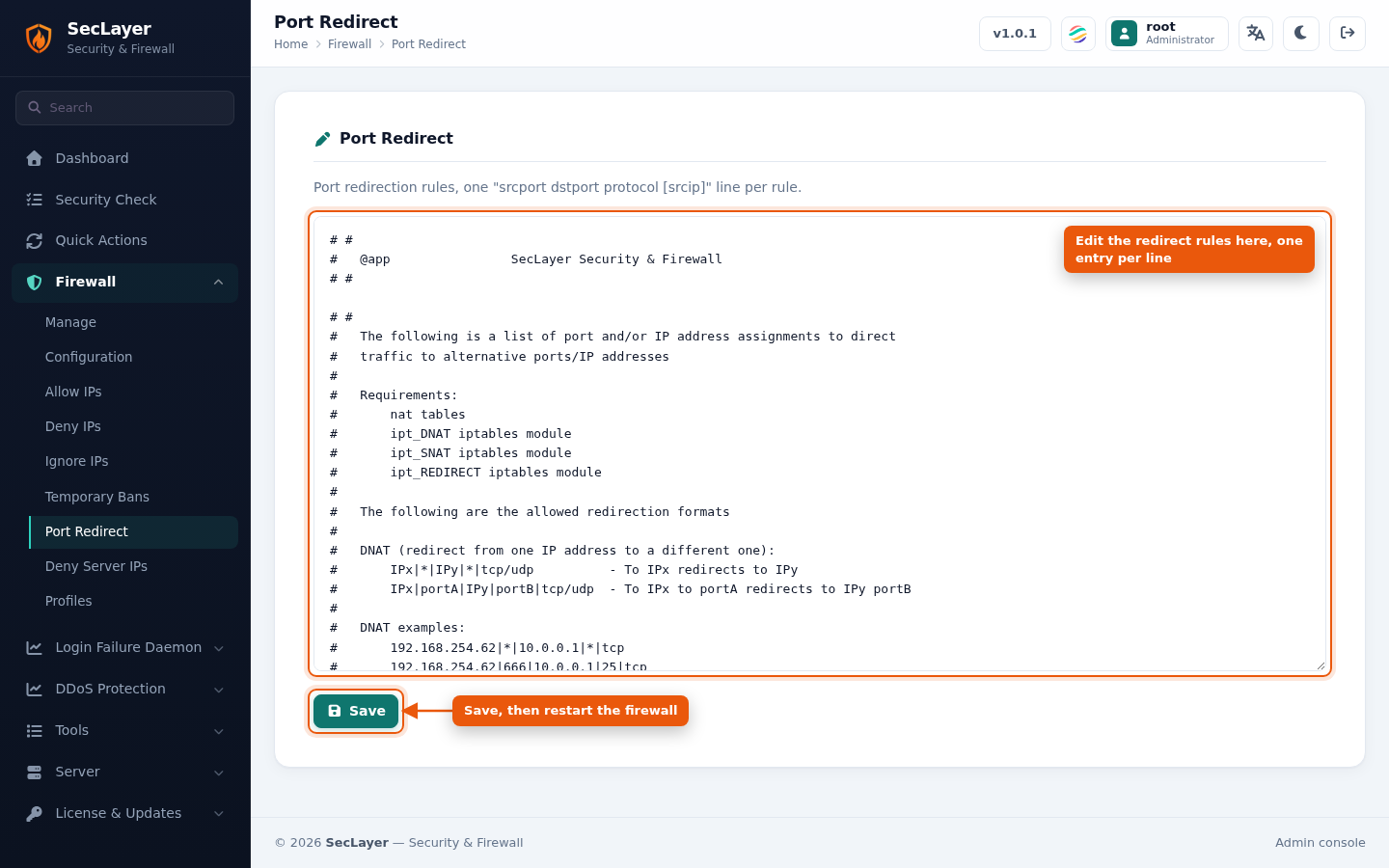
Raw text editor for /etc/seclayer/seclayer.redirect. Define port redirection rules, one per line. The comments at the top of the file show the supported format.
How to Use
- Navigate to Firewall > Port Redirect.
- Enter rules one per line, following the format in the file's header comments.
- Click Save. Restart the firewall to apply.