Firewall Management
Start, stop, restart, enable, and disable the SecLayer firewall service.
Interactive Demo
Try it on the real screens: click the highlighted spot to do each step, or press Watch it.
Service Control
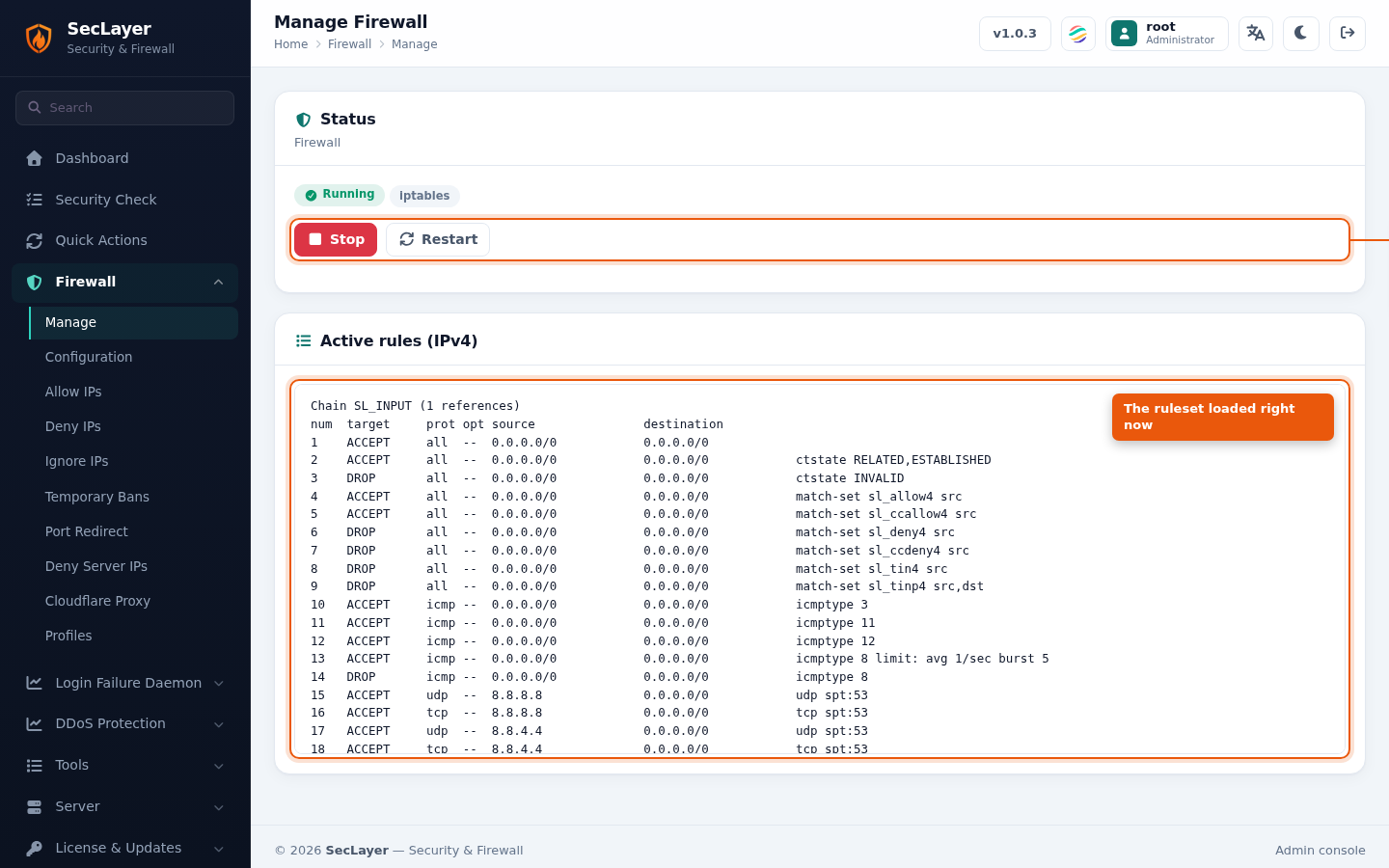
The Status card shows the current firewall state:
- Running — Green badge, shown with the active backend (e.g. nftables or iptables).
- Stopped — Red badge with a warning that the host is unprotected. No rules are loaded.
The buttons follow the state: Stop and Restart while running, Start while stopped. The Active rules panel below lists the currently loaded ruleset.
How to Use
- Navigate to Firewall > Manage.
- View the current status of the firewall.
- Click the appropriate action button.
- Confirm the action in the dialog.