Deny Server IPs
Drop all traffic to and from specific server IP addresses.
Interactive Demo
Try it on the real screens: click the highlighted spot to do each step, or press Watch it.
About This Page
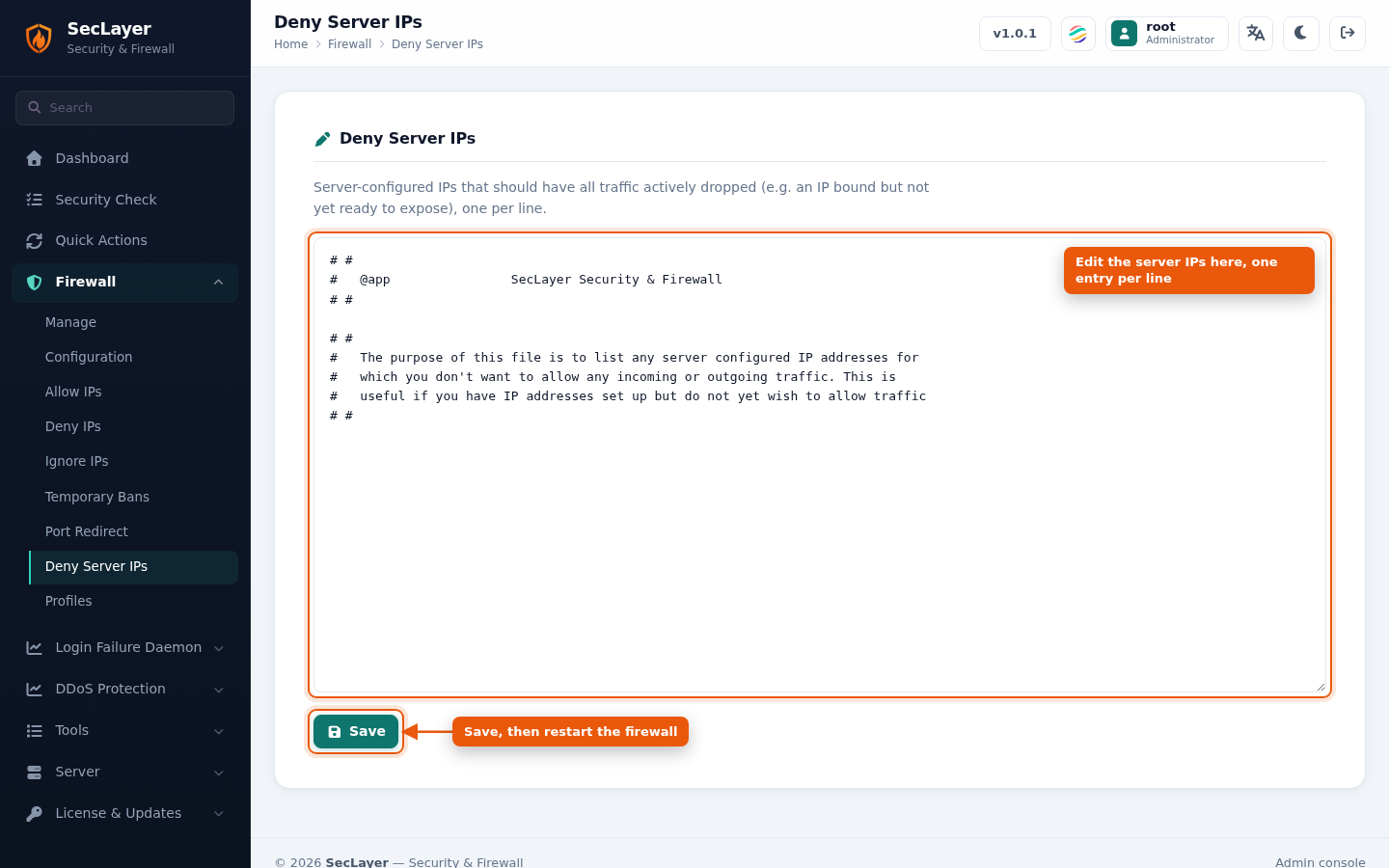
Raw text editor for /etc/seclayer/seclayer.sips. Lists server IPs that should have all their traffic dropped, for example an IP that is bound but not ready to expose.
How to Use
- Navigate to Firewall > Deny Server IPs.
- Add server IP addresses, one per line.
- Click Save.