Deny IPs
Block IP addresses at the firewall, permanently or for a set time.
Interactive Demo
Try it on the real screens: click the highlighted spot to do each step, or press Watch it.
About This Page
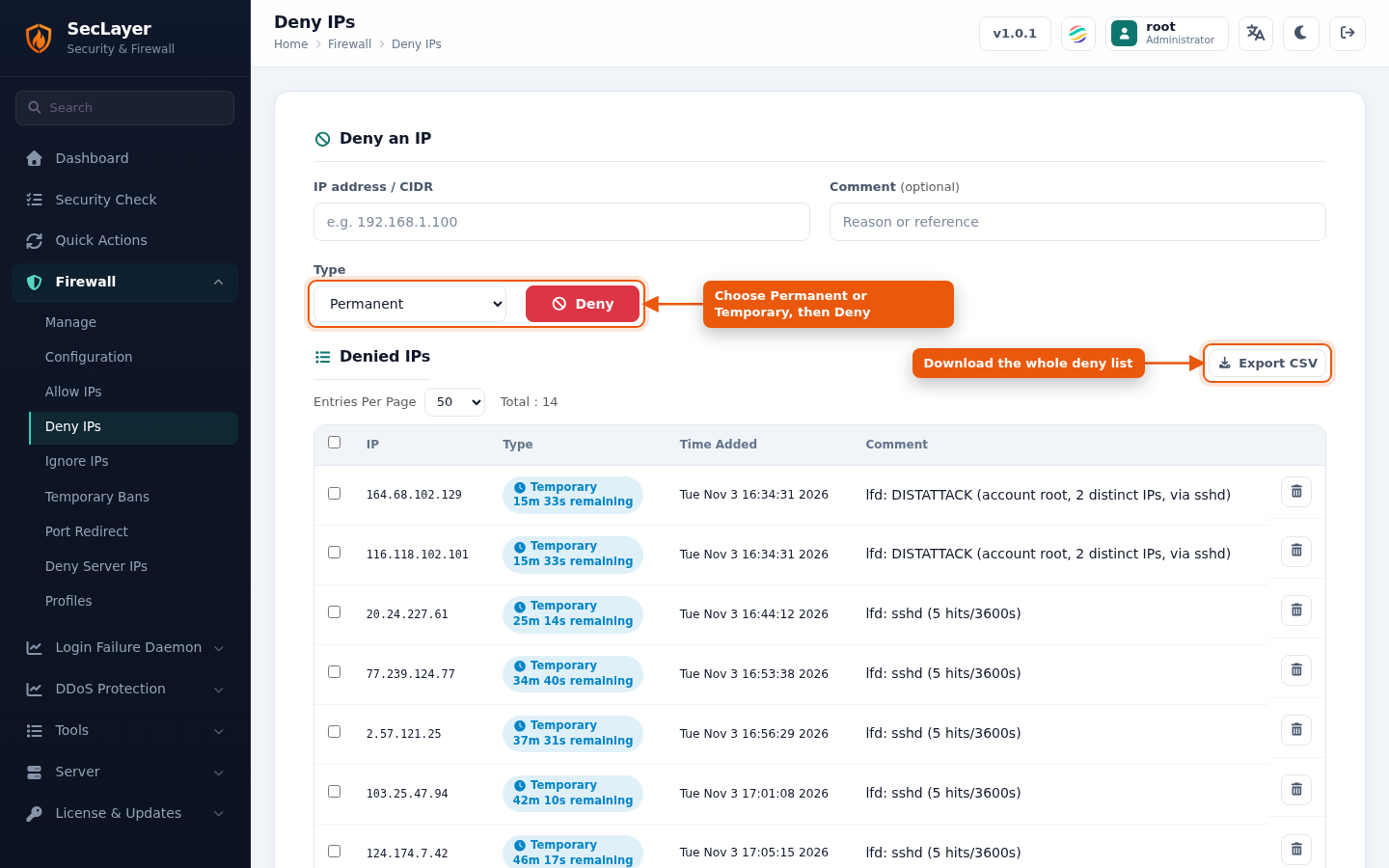
Permanent entries are stored in /etc/seclayer/seclayer.deny. The Denied IPs table lists permanent denies and active temporary bans, including bans added automatically by LFD. Temporary bans show the time remaining.
How to Use
- Under Deny an IP, enter an IP address / CIDR and an optional Comment.
- Choose Type: Permanent or Temporary. For Temporary, set Time Value, Time Unit and, optionally, a Port to block only that port.
- Click Deny. Traffic from the IP is dropped immediately.
Click the trash icon to remove an entry, or tick several and click Remove Selected.
Paging and Export
- Use Entries Per Page (10, 25, 50, 100 or All; default 50) and the page buttons to move through long lists. Total shows the number of entries.
- Export CSV downloads the full list.